
Create Stop Motion Animation Films with Students in 8 Simple Steps!
Is the creativity and imagination of kids the 8th wonder of the world? Sometimes I think it might be. One of my favorite things to do in the makerspace is to observe the kids when they are creating their own stop motion animation projects. It’s always a hub of joy and excitement. You can also make this a true STEAM project by exploring science topics, calculating frame rates, and working with numerous tech tools such as photo editing software, microphones, and various animation programs.
There are many apps and programs you can use to create stop motion animation films that are kid-friendly:
- iPhone or iPad: Stop Motion Studio, StopAnimator, iMotion, iMovie,
Frameographer ($), iStopMotion ($) - For Android devices: Stopmotion Studio
- For Windows: I Can Animate 2, qstopmotion, Hue Animation Studio
- For Chromebooks, you can use the app called “Stop Motion Animator” for physical stop motion. You can also try digital stop motion with google slides and try something like the red ball challenge.
- Use Canva! Take photos then drop them into Canva video
If you have another one you enjoy, please feel free to comment below!
Create a Stop Motion Animation with these Steps
1. Stop Motion Animation Step 1: BRAINSTORM IDEAS for the film.
I’m not going to lie, this is probably the most challenging part of the process! It becomes even more difficult if students are working in pairs or small groups because they won’t always agree on what to create! One will want superheroes, another will want Star Wars, a third will hate both those ideas and only settle for something really gory. Start with a simple list and set ground rules if there are certain themes you want to avoid. Try to separate the groups by interest. The most important part?
KEEP IT SIMPLE.
No, really!!!
Keep
it
simple.
It takes a decent amount of time to film a stop motion animation films that you will likely only get 1-2 scenes completed. Have the kids focus on one character, what that character is doing in the scene, and what they are interacting with. Try to limit the number of props included in the scene. Some may need to be adjusted with each frame, but others might need to remain stationary and if they accidentally get moved or knocked over it can be tricky to set the scene up again.
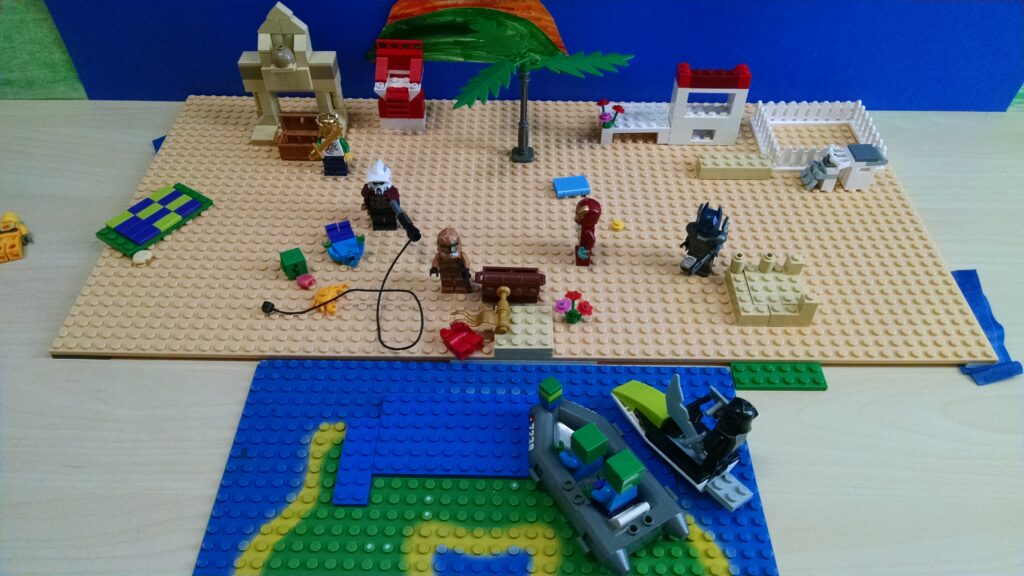
I prefer to have kids work with LEGO bricks for stop motion animation because it is easy to keep track of where all the pieces are on base plates. If you need to pause filming for a day or the set is disturbed, it’s not impossible to set it back up again.
2. Stop Motion Animation Step 2: LIGHTING!

Possibly more important than the plot is the lighting. This might sound crazy at first, but there is nothing worse than capturing hundreds of frames for your stop motion animation only to watch it and see constant light flicker. If you don’t set up good lighting (or at least pay attention to it) you will have light flicker, either from sun peeking in and out from clouds, or from shadows of the animators.
Use two desk lamps if you can to avoid light flicker and cancel out shadows, or invest in some quality lighting. Be sure it isn’t so bright that you have glare! If you don’t have desk lamps available just try to monitor the shadows and where they are to try and avoid as much shadow and flicker as possible. If you have privacy dividers or presentation boards handy those work great too!
3. Stop Motion Animation Step 3: PLAN!
Have your kids come up with a plan for the scene. They will start to get ideas for the set and solidify the actions their character is taking in the animation. The storyboard doesn’t have to be elaborate but it can really help kids define the scene. At the very least there should be a rough outline – what is the scene? Where will the character(s) start (point A)? What is the ending of the scene (point B)? How will you smoothly get from point A to point B?
4. Stop Motion Animation Step 4: SET DESIGN
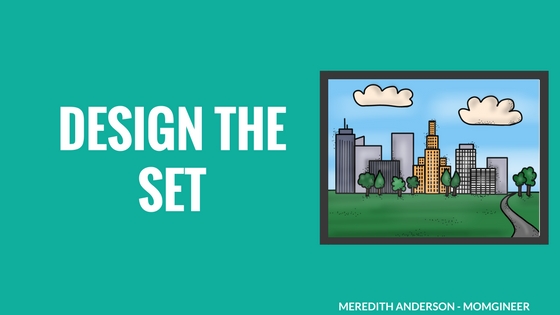
This will be the highlight of the experience for some of the students. It’s where they get to create their world and imagination comes to life. The simplest set can just be a backdrop. A more complicated set can have some props, but try to keep them to a minimum as they can be complicated to work around when filming. Look for landscapes online but try to keep them pretty simple! You might want a meadow, or a city street, or even just a solid color. I like finding photos on Pixabay or in Canva to use.
5. Stop Motion Animation Step 5: FILM (the fun part)
Okay, well *some* students will have fun with this part. Many will have the patience to move their characters just a little each frame, but some will get frustrated with this part. If that is the case, you can have the kids switch off being the director or the photographer. They can make sure that all characters in the scene are moving at roughly the same rate as each other, and check to make sure the captured frames look good. If a set gets moved, they can also line it back up again.
6. Stop Motion Animation Step 6: EDITING
Did the set shift in a frame? Maybe you captured a hand in a frame? One frame just doesn’t line up quite right? It’s time to remove those frames. If you have kids who are skilled at photo editing, they may be able to manually edit frames that didn’t capture correctly. This is also a great time to loop any frames that make sense to loop. If the characters are having a dance party, for instance, there is no reason you can’t duplicate frames and loop them several times. It will add significantly to the length of the film. You can even drop them in in reverse.
Don’t have fancy photo editing software? Try Gimp. It’s free! Other free software you might want to try for video editing is Shotcut.
7. Stop Motion Animation Step 7: FINAL TOUCHES (Sound effects, voice overs, music)
This is the most exciting part, next to watching the film. It’s time to add sound effects or green screen effects, and record any voice overs. You can have students plan out what they are going to say and write it down, then practice as they watch the animation. Do a practice run, and then record sounds. It might take a few tries to get it right but it will take far less time than all the other steps. You can also add any beginning and ending credits at this time. You can also add background music if you’d like. I like this free simple music from Kevin MacLeod.
8. Stop Motion Animation Step 8: MOVIE TIME!
I promise that the kids will want to watch their film over and over the first time they see it. Thankfully it is also probably only about 30-60 seconds long.
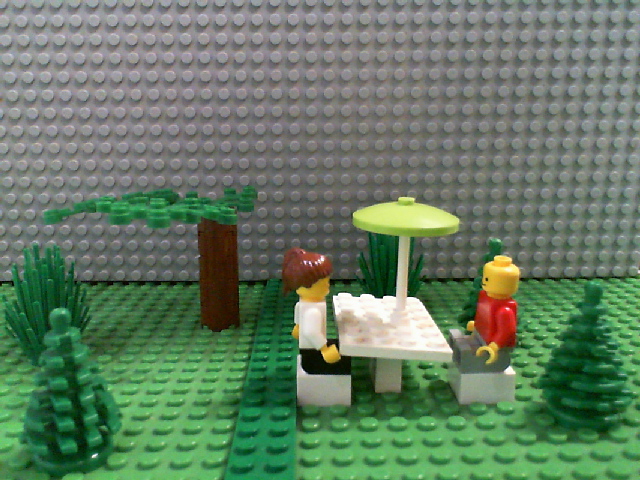
Here are a few images from past projects:
Beach Scene Setup:
Another scene from a film
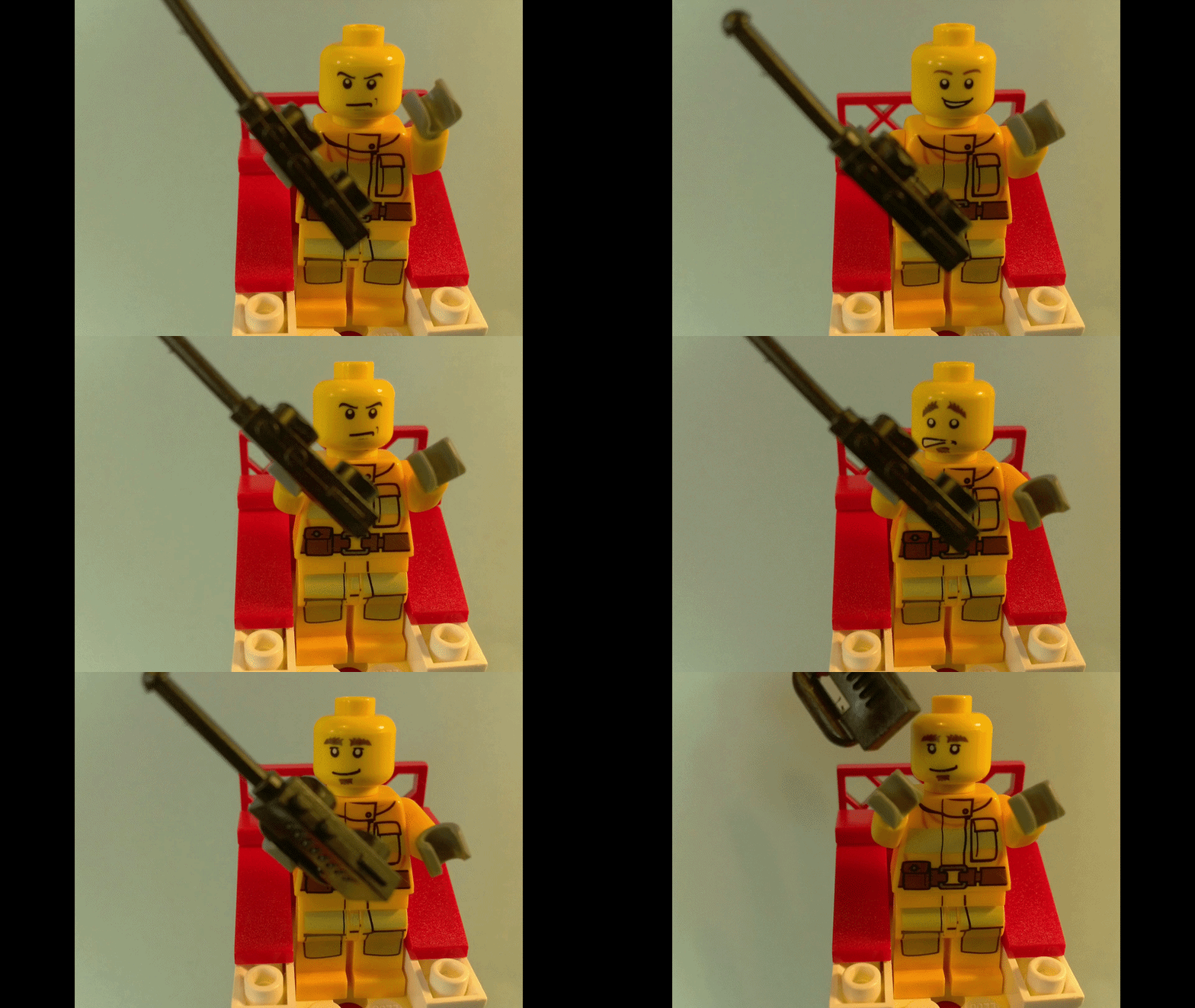
Another thing you can do is change out the heads on closeups if you use LEGO minifigures. Here’s a short example:
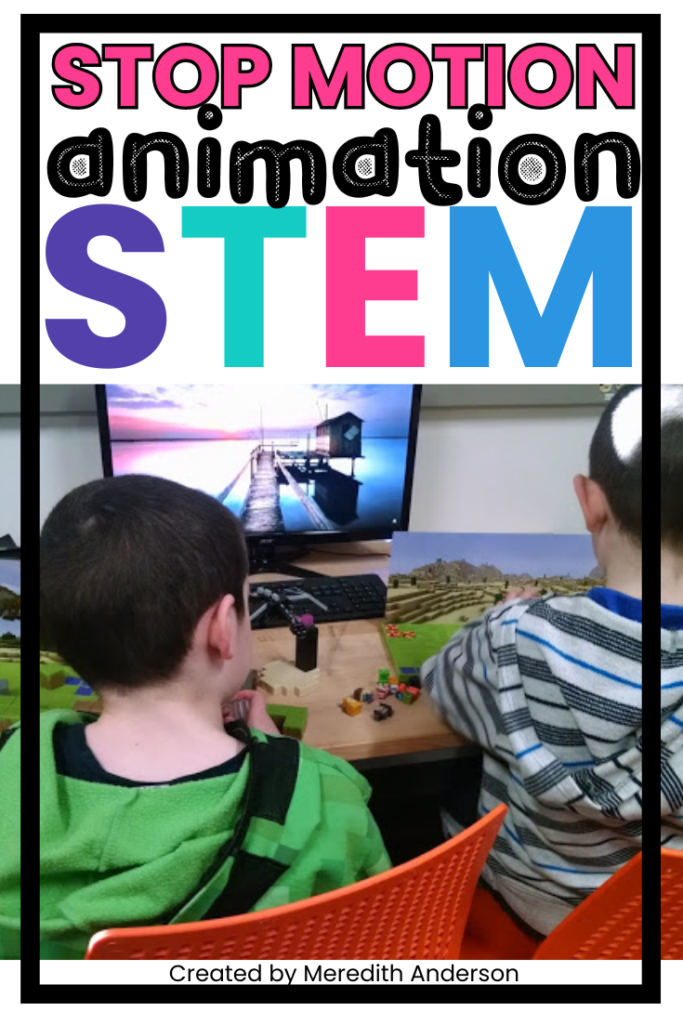
Looking for more stop motion animation project ideas and tips? I have created a guide that supports this activity in a meaningful way. You can check it out here:
or pin this idea for later:
* Thanks to EduClips for many of the clip art images used in the post.




Leave a Reply
Your email is safe with us.